How do I change my password?
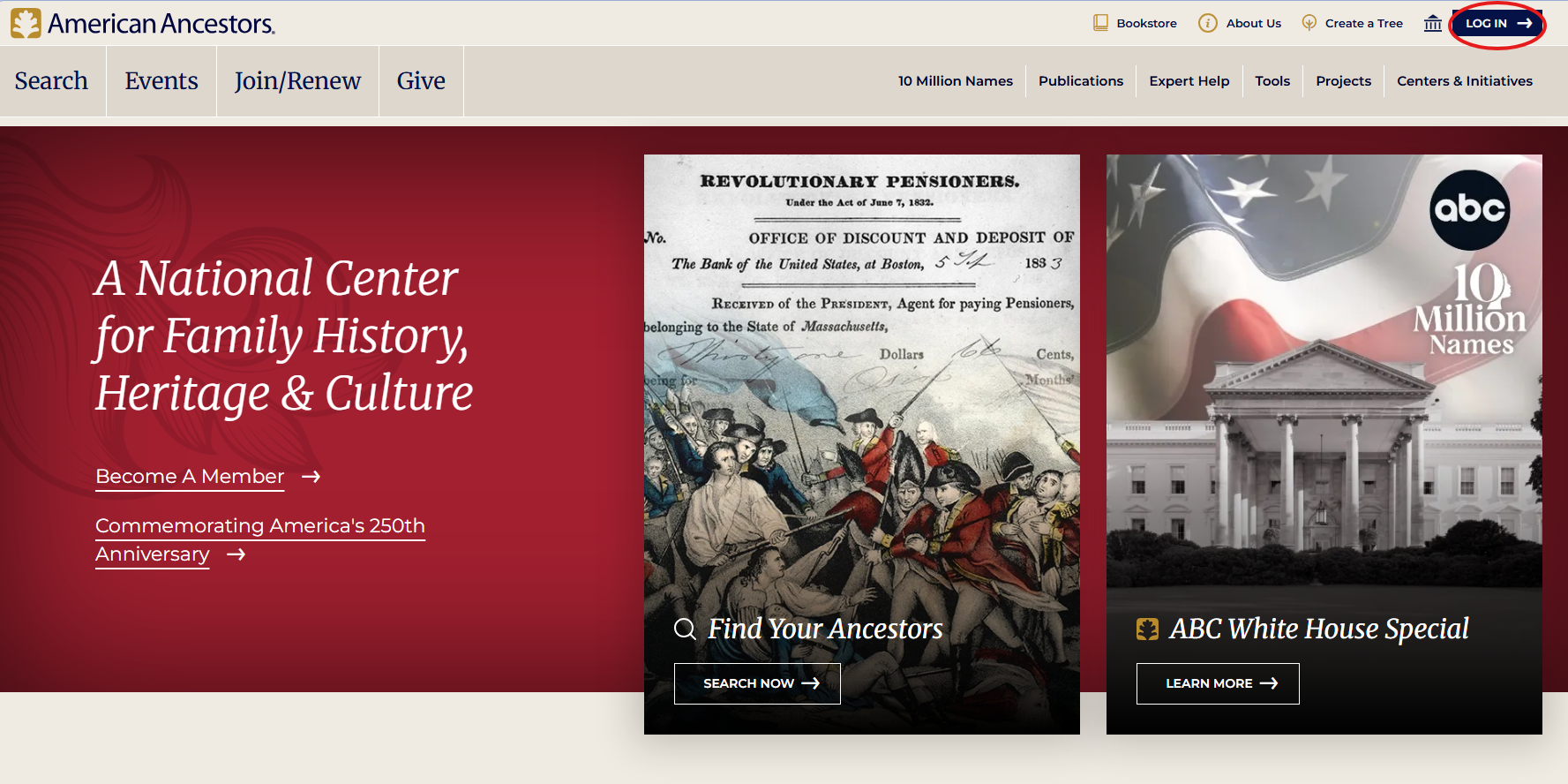
To reset your password, visit the login screen.
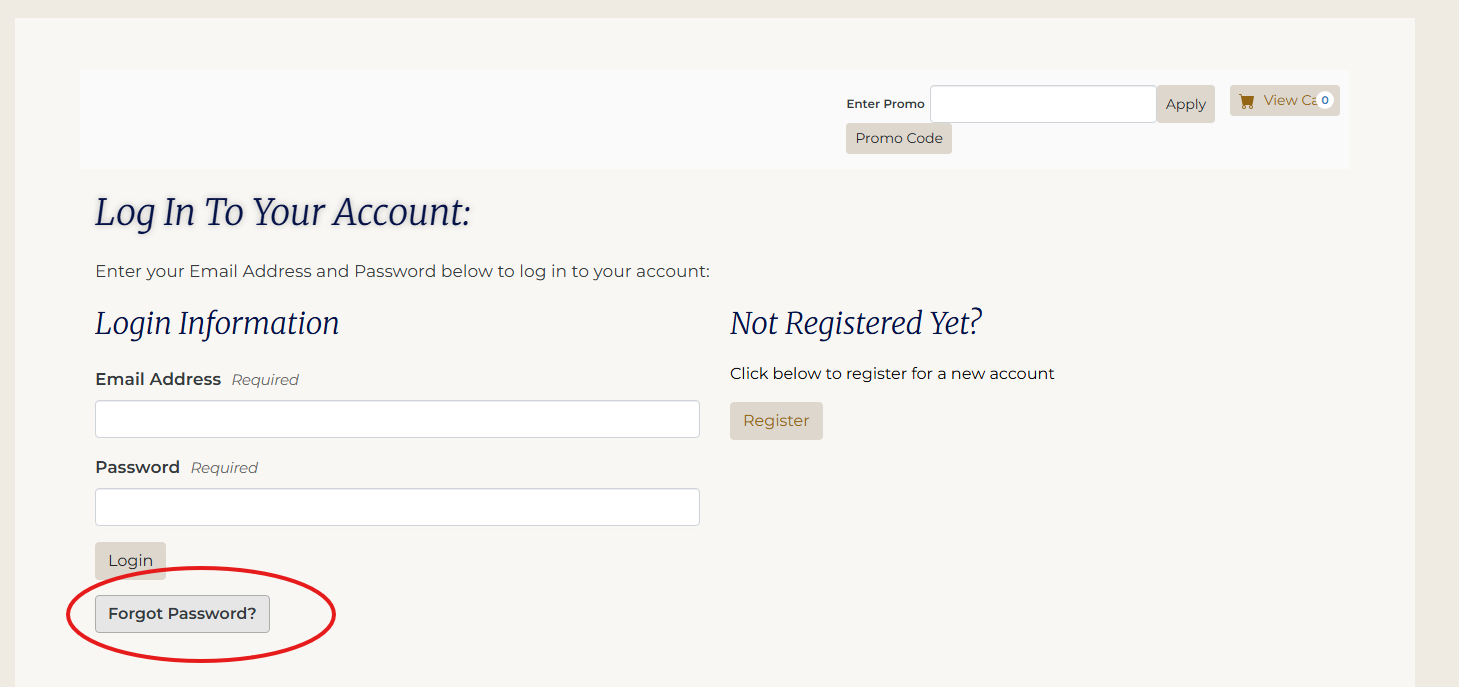
Click the Forgot Password button.
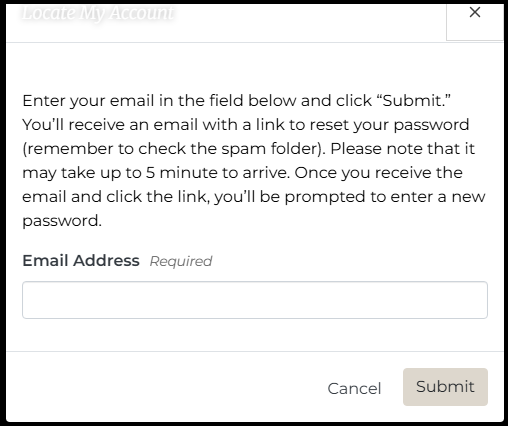
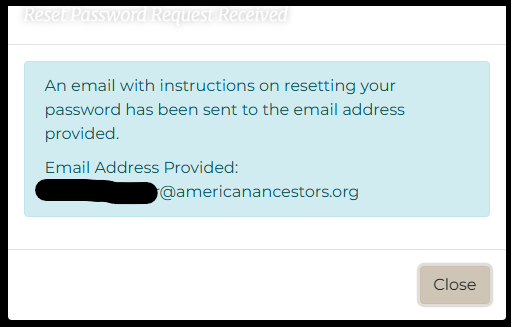
A box will appear; enter your email address and click Submit.
An email will be sent to the address provided.
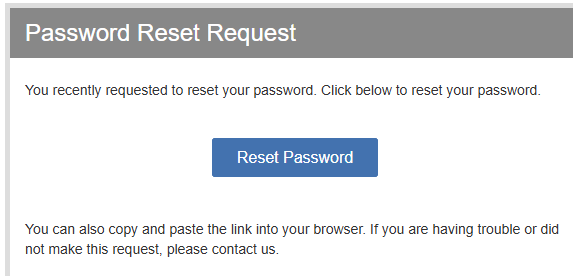
Check your email for a message from info@americanancestors.org, subject line "Password Reset Request". Occasionally, this message goes to a spam or junk folder. Click Reset Password in the email.
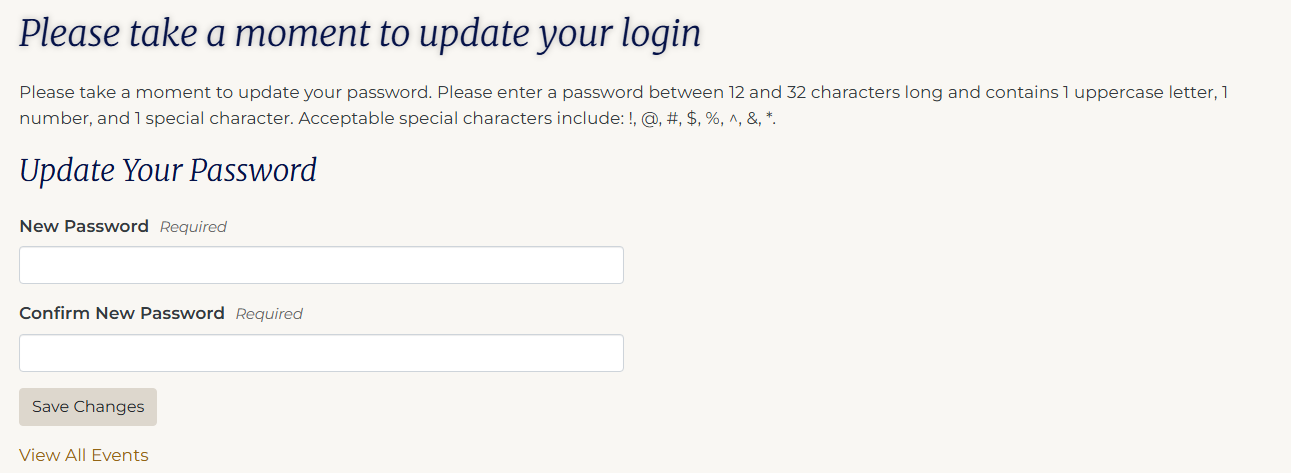
Enter a password between 12 and 32 characters long and contains 1 uppercase letter, 1 number, and 1 special character. Acceptable special characters include: !, @, #, $, %, ^, &, * . Save changes.
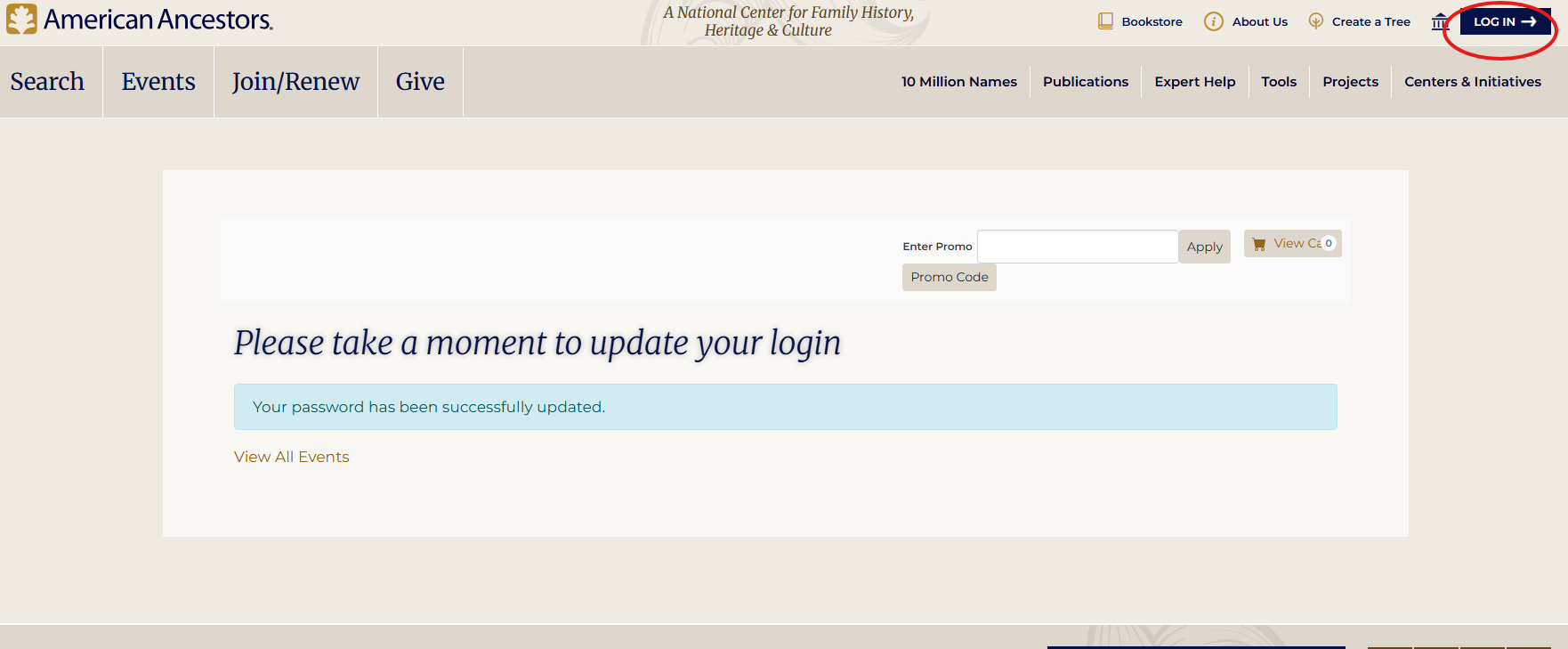
Once your new password is saved, click the log in button once more and enter your email address and password.